

Source layer
Documents, email and business systems provide only reviewed sources with metadata and revision.
Custom Software — as individual as your business
A custom AI layer that understands documents, cites sources and prepares routine reviews without uncontrolled black-box automation.
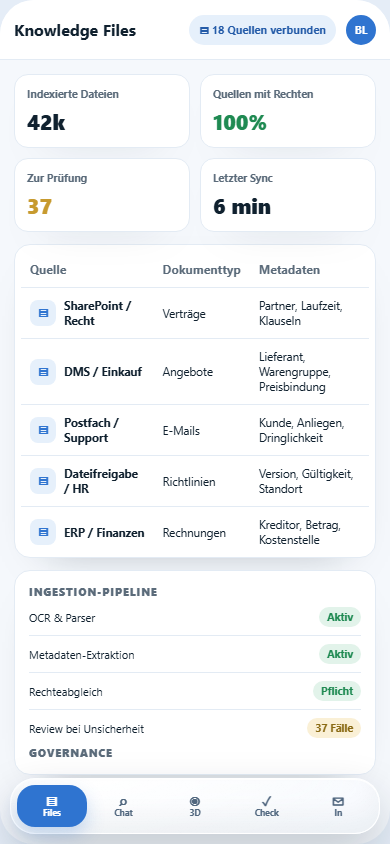
Knowledge Files show which sources are connected, which metadata was extracted, which permissions apply and which documents still need review. That keeps AI traceable before it answers.
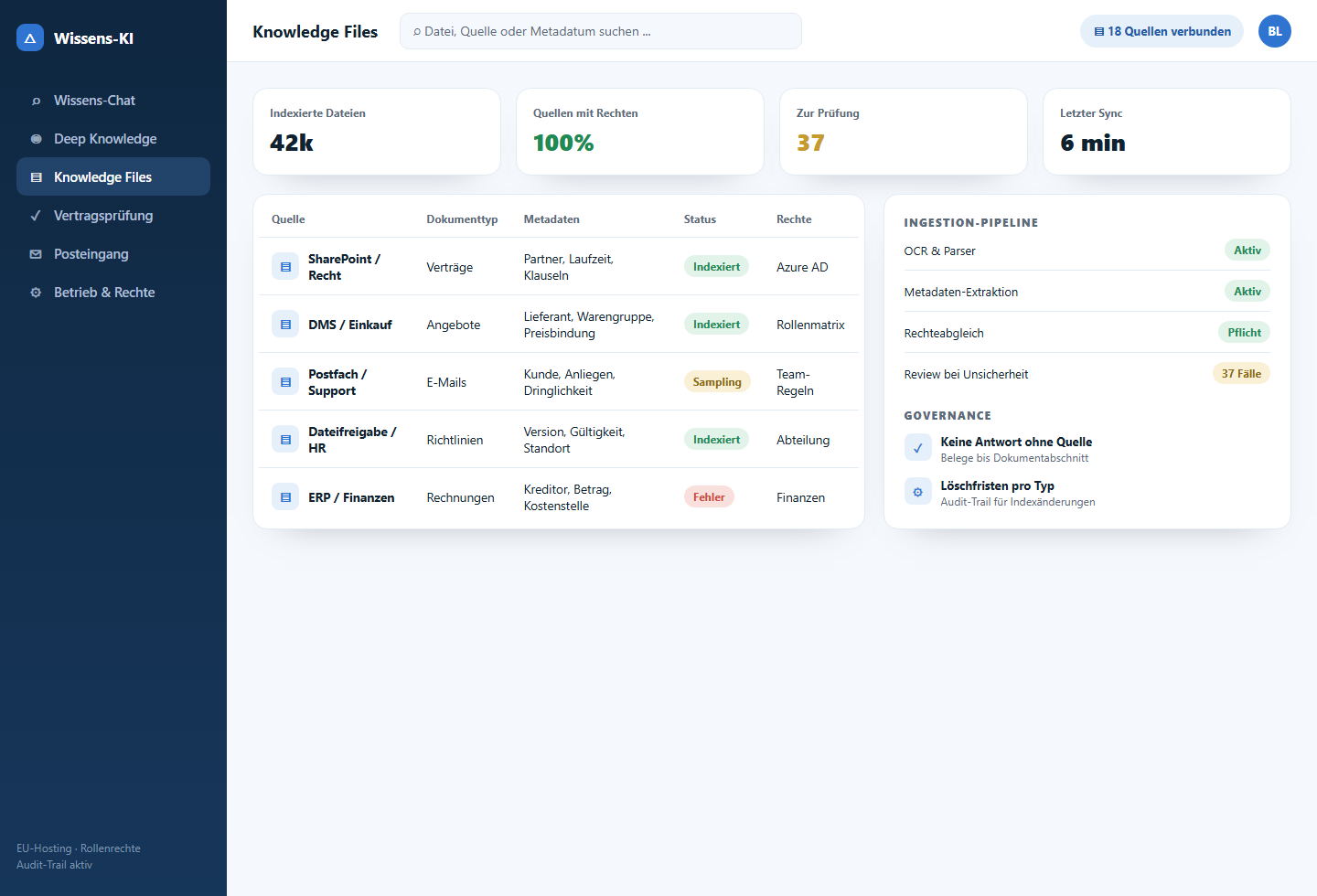
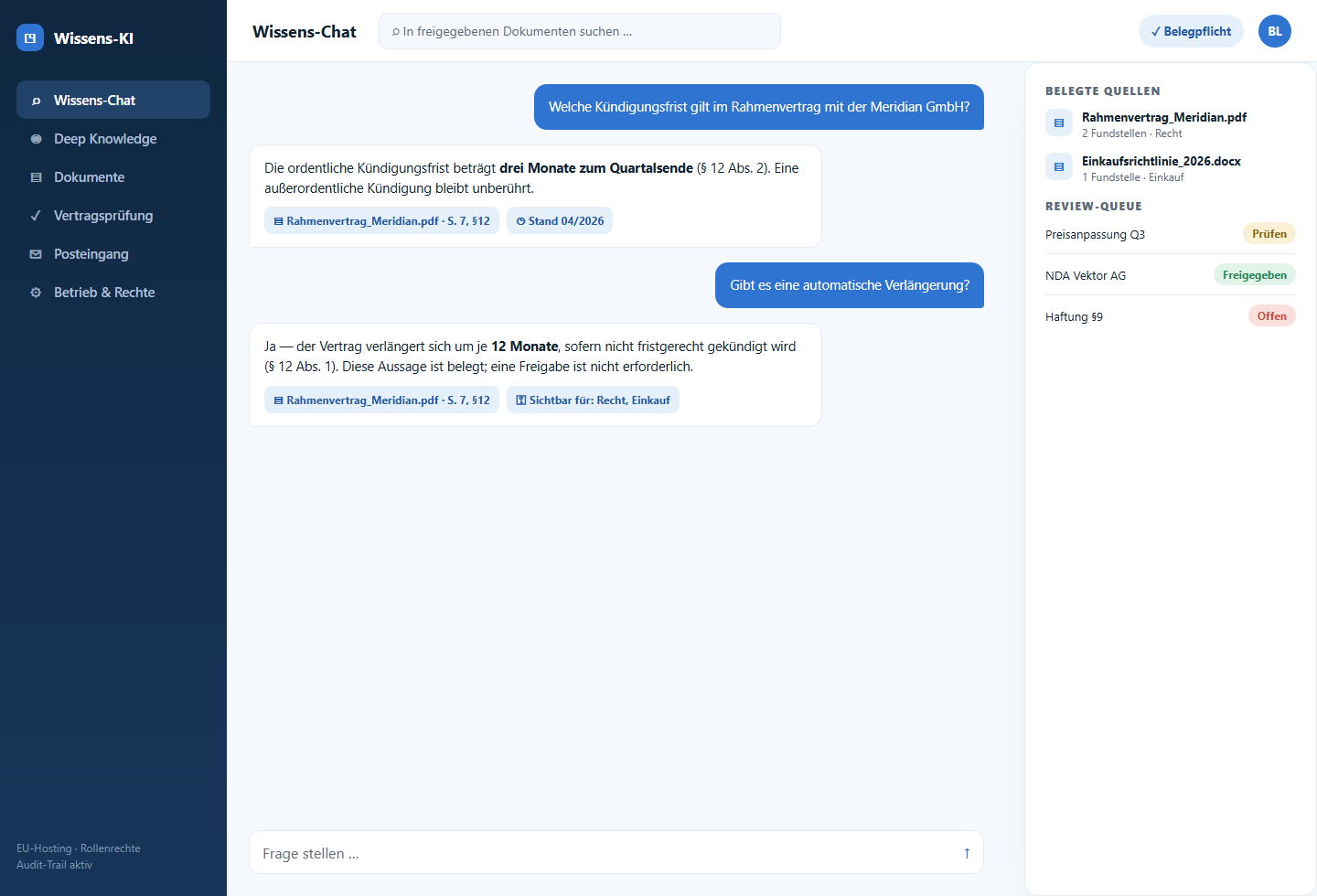
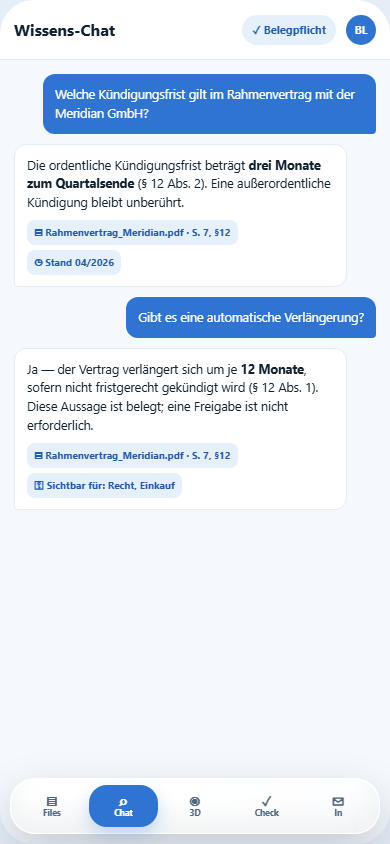
Staff ask in natural language — the AI answers only with evidence from approved documents, shows source and passage and routes sensitive cases for approval.
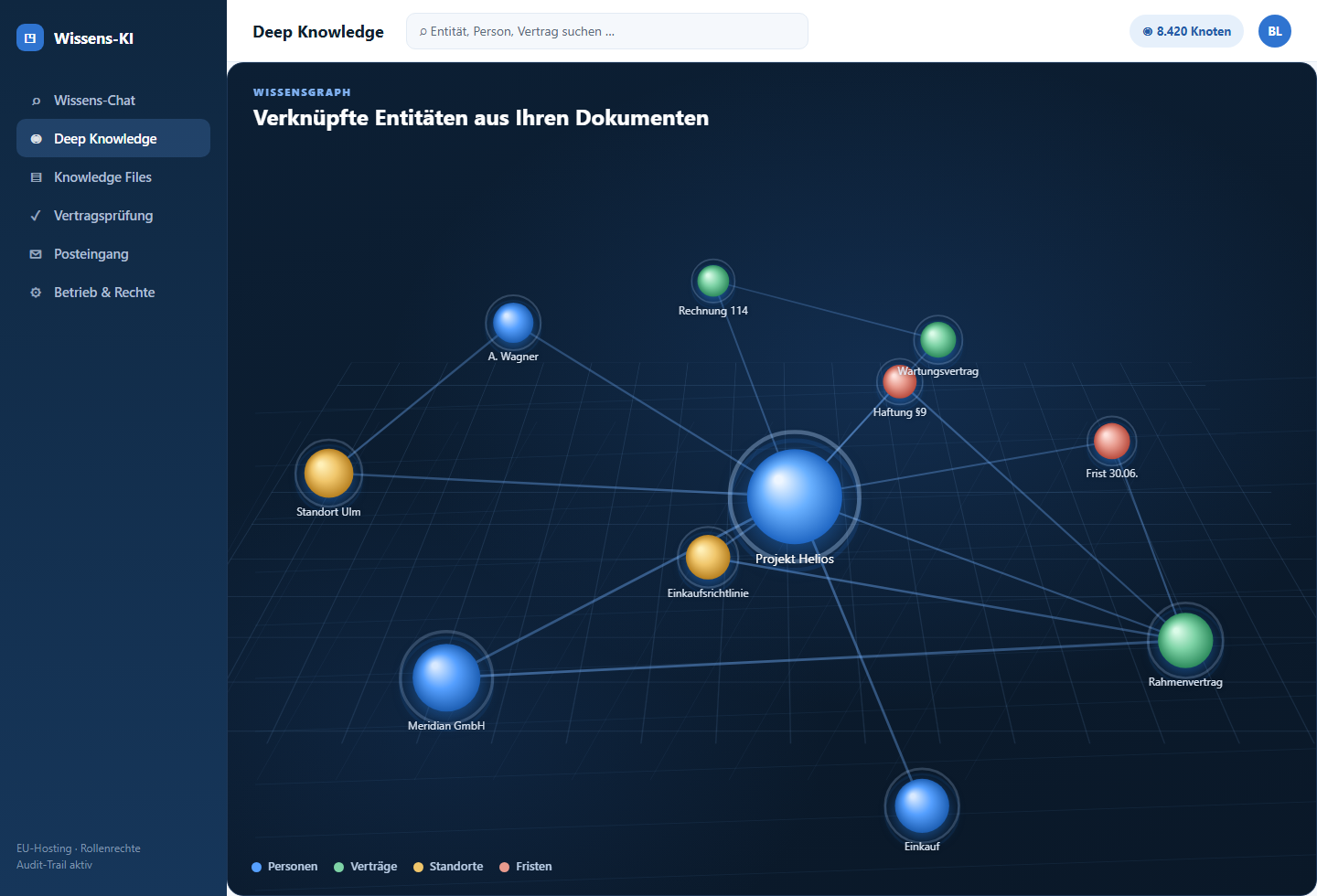
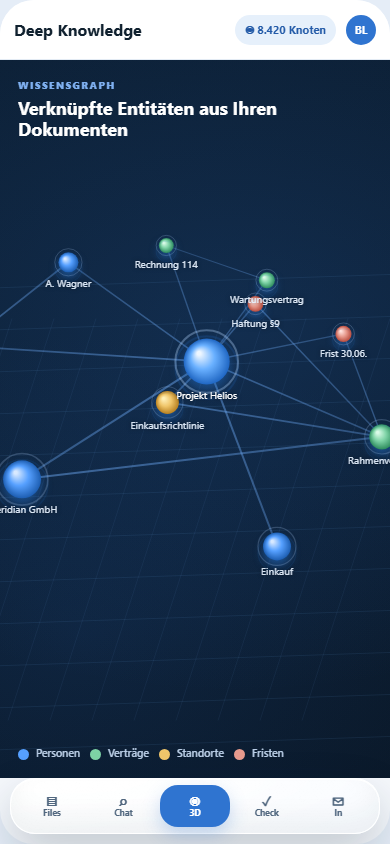
The AI extracts people, locations, contracts, deadlines and projects from your documents and links them into a searchable graph. Connections become visible across individual files — relationships that plain full-text search leaves hidden.
Documents, email and business systems provide only reviewed sources with metadata and revision.
People, companies, projects, dates and contracts are connected with cited relationships.
Role permissions apply before search, graph view and AI answer.
Uncertain relationships enter a queue where specialists confirm or correct them.
This example implementation combines RAG search, document classification, review rules and approval workflows in one controllable business application.
Answers link back to the document, section and source passage; uncertain matches are clearly marked.
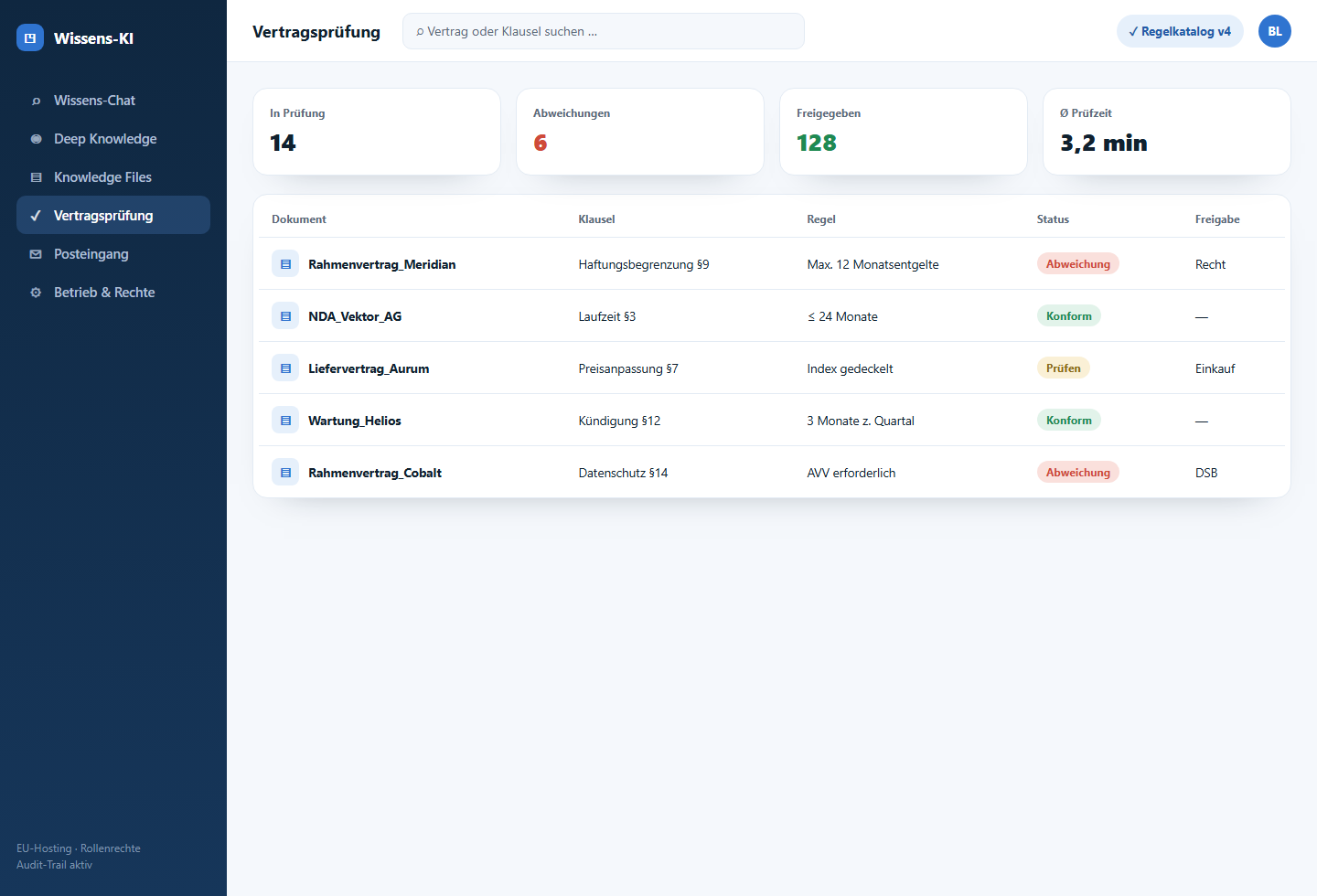
Contracts, proposals, policies or emails are checked against business rules and prepared as review proposals.
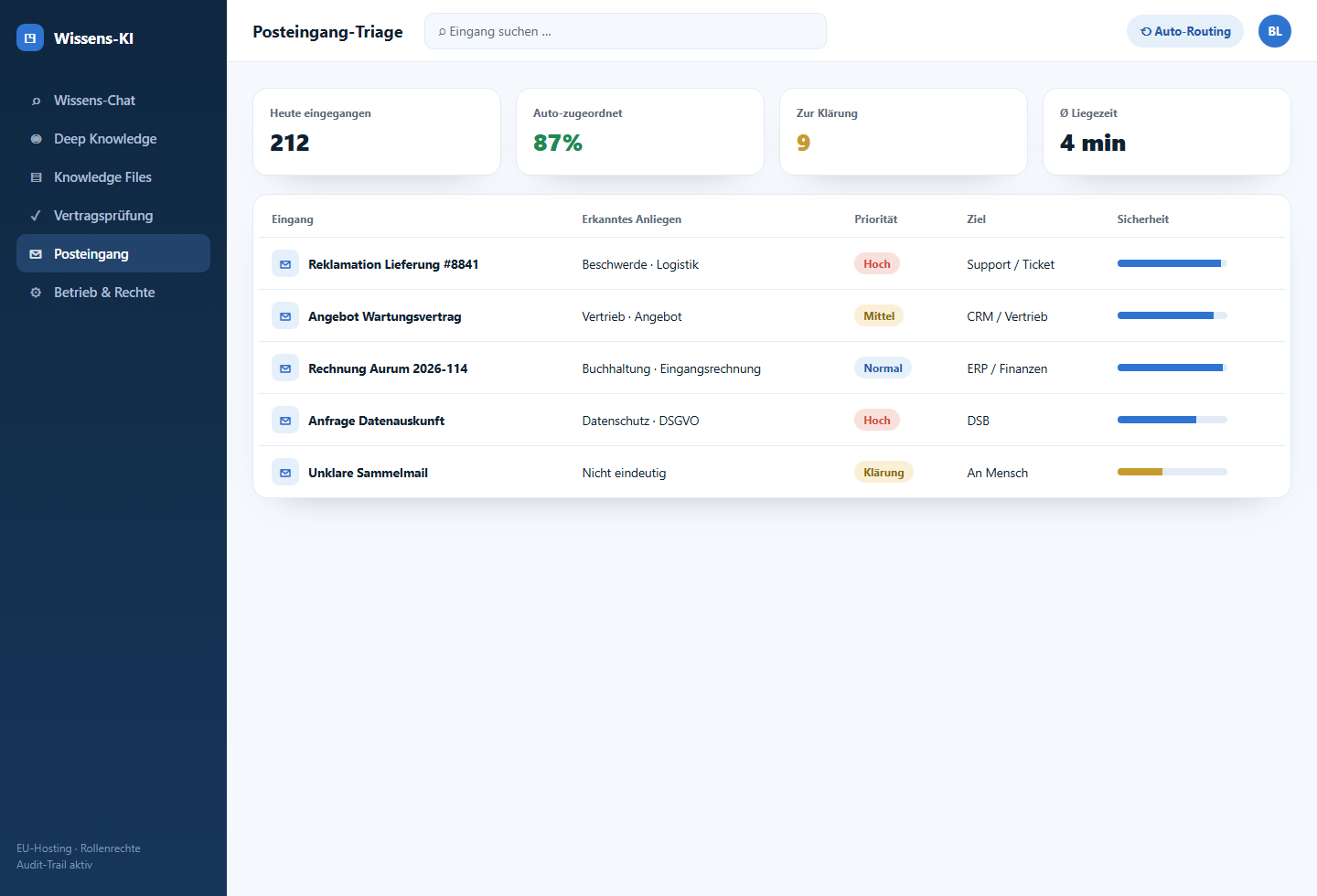
Incoming documents are classified, prioritised and routed to the right role, team or existing ticket system.
Hosting, model access, roles, logs and retention rules are planned around your privacy requirements.
The solution is not meant as a generic chatbot. It is built around concrete document types, roles, approvals and follow-up actions — for legal, purchasing, support, finance, HR or project teams.
Check clauses, deadlines, liability points and deviations against internal rule libraries.
Search proposals, price commitments, framework agreements and supplier communication with citations.
Classify emails, detect urgency and route tickets to the right role with explanations.
Match invoices, purchase orders and cost centers without pushing sensitive data into generic tools.
Make internal rules findable, but only for people with the right permissions.
Connect project files, inspection reports, approvals and evidence across document boundaries.
The page does not rely on abstract screens only. This example shows how a business team works with real documents: sources are checked, passages are marked, risks move into a review queue and only approved results are passed to downstream systems.


Which documents may be used, which sources are authoritative and which answers require explicit approval?
Document types, metadata, permissions, citations and audit events become the stable foundation.
Test questions, edge cases and manual reviews show where the AI is reliable and where it must stop.
Usage, errors, costs and new document types are monitored continuously after launch.
Off-the-shelf products like Microsoft 365 Copilot or your existing DMS/SharePoint search make sense for small document sets, low risk and simple questions. Custom document & knowledge AI becomes valuable when permissions, citations, review rules, approvals and business systems have to work together exactly around your processes.
| Custom-built by Bley IT | Microsoft 365 Copilot | DMS or SharePoint search | |
|---|---|---|---|
| Source citations down to passage level | |||
| Role permissions per document type | |||
| Business review rules and approvals | |||
| Integration with tickets, CRM or ERP | |||
| Low up-front investment | |||
| EU-cloud or on-premise operation |
The solution is organised into clear working areas. Open an area to see its workflows, the data it needs and the in-depth sub-pages in detail.
Knowledge Files, cited knowledge chat and a searchable knowledge graph — the source and discovery layer of your document & knowledge AI.
Rule-based review and triage with human approval — the workflow layer of your document & knowledge AI.
The layer for roles, interfaces, monitoring, cost control and continuous expansion of document & knowledge AI.
Yes. Permissions are checked before retrieval, not only after an answer is generated. Users only see sources, documents and results they are allowed to access.
Answers are tied to sources, uncertainty is surfaced and critical workflows require human approval. Test questions and failure types are reviewed before launch.
No. A clearly scoped starting set is better, such as contracts, policies or support emails. Additional document types can be added iteratively.
Typical integrations include DMS, SharePoint, email, ticketing, CRM, ERP, file shares and business applications. The key question is where AI can measurably reduce work in an existing process.