
Preconstruction, CRM and land
Project inquiries, house models, land search, follow-ups, proposals, contract status and hand-off to preconstruction.
Custom Software — as individual as your business
Schedule, trades and homeowner communication in one system — built around your workflow instead of a one-size-fits-all SaaS.
Home builders need more than schedules and task lists. Project inquiries, land search, design, resource planning, procurement, client communication, service and reporting have to connect — especially when preconstruction, locations and trades run in parallel.
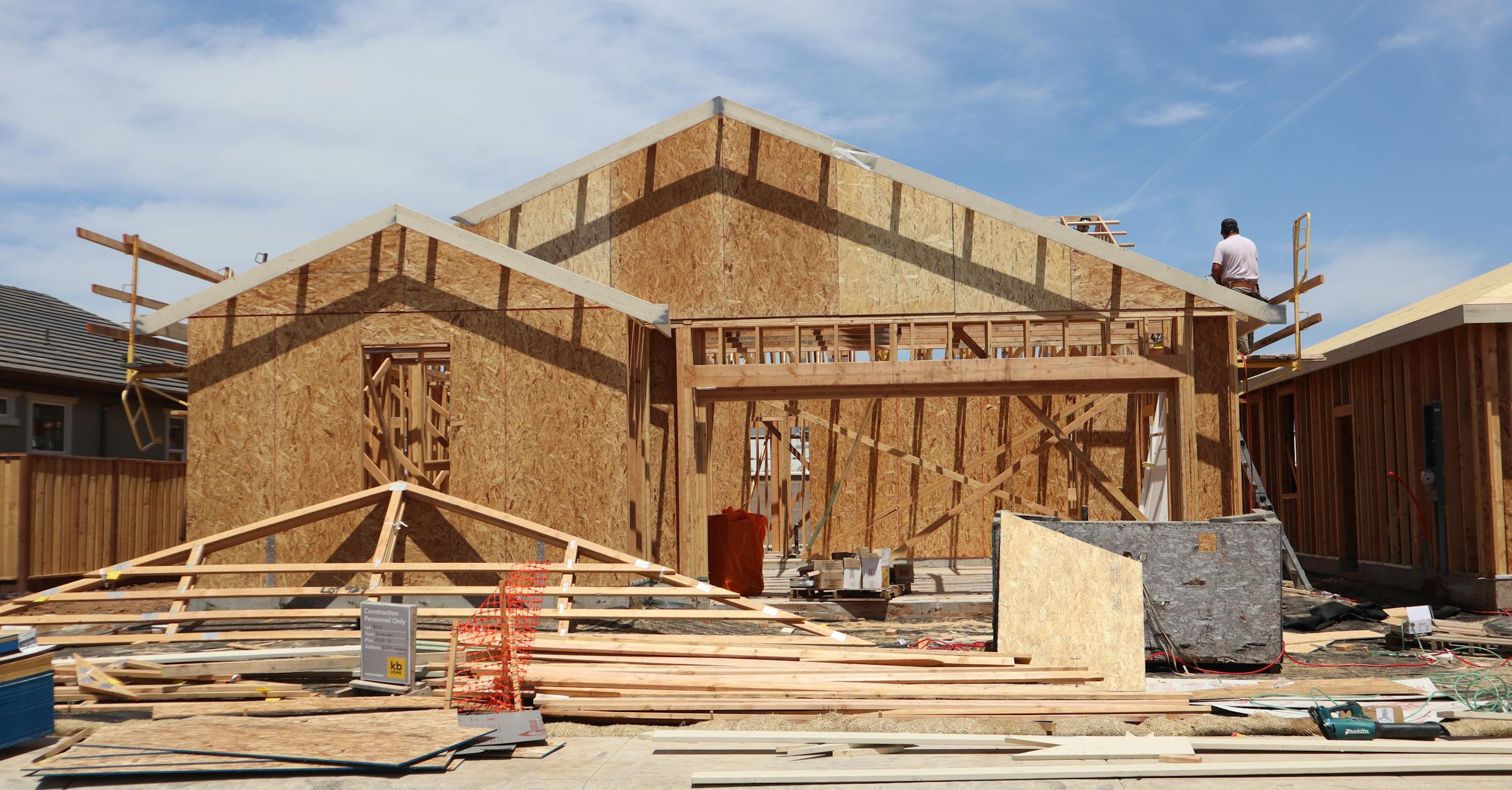
In many markets, a home build starts long before site work. A strong platform tracks land, feasibility, design, permits, estimating, construction, closeout and service as one status flow.
Track parcels, zoning, servicing, risks and feasibility for each opportunity.
Connect concepts, drawing versions, selections, allowances and client decisions.
Keep permits, finance, contracts, conditions and deadlines visible.
Prepare estimating, bidding, awards, materials, schedule and resources.
Run progress, map tracking, photos, daily logs, punch items, tickets and trades.
Manage closeout, warranty, damage repair, service history and client experience.
Compared with typical platforms such as Buildertrend, Procore, CoConstruct, Buildxact and Houzz Pro, this concept covers more than project management: preconstruction, finance, field work, the client portal and an adaptive AI layer. The main page stays readable while still making room for map tracking, damage repair, photo tickets and learning status signals.
Project inquiries, house models, land search, follow-ups, proposals, contract status and hand-off to preconstruction.
Estimating, takeoff, bid management, budgets, purchase orders, draw invoices, payments and job costing.
Schedule, tasks, RFIs, submittals, document versions, time tracking, approvals and status risk.
Mobile daily logs, map tracking, photo documentation, punch lists, damage repair tickets and subcontractor portal.
Client portal, messaging, selections, allowances, handover, service tickets and warranty history.
AI takeoff, document review, schedule risk, estimating assist, photo-ticket triage and learned patterns from real project history.
The solution is organised into clear working areas. Open an area to see its workflows, the data it needs and the in-depth sub-pages in detail.
Project inquiries, land opportunities, design and permits stay connected to the later build.
Five AI features built around your team — they remove click work, never human judgment.
Punch items, daily logs, sub dispatch and photo docs — offline-ready on every jobsite.
Assemblies, live prices, draw invoices and margin per trade — the financial backbone of the build.
Schedule, documents, RFIs and time tracking — the coordination layer behind the build.
Homeowner portal, selections and warranty — the layer your buyers will actually feel.
The overview is structured around real building operations instead of a long wall of tiles: project inquiries, land search, design, permits, field execution, billing, warranty and AI tickets all work from the same project and customer data.
Project inquiries, home models, proposals, land opportunities and feasibility checks move toward contract in one traceable preconstruction workflow.
Design concepts, drawing versions, selections, allowances, RFIs, permits and client approvals stay connected to the future build instead of disappearing into separate folders.
The superintendent app, schedule, tasks, daily logs, punch items, photo evidence, subcontractors and map status work offline in the field and sync back to the office.
Estimating, bids, takeoff, invoices, payments, procurement, purchase orders, job costing, warranty and adaptive AI insights form the operational backbone.
The AI features work on the same project data as the rest of the platform. They suggest, draft and pre-sort — but every suggestion goes to a human for approval. Prices, quantities and dates come from your own data, never from a model guess.
Reads quantities and assemblies from plan sets — the estimator checks and confirms before anything reaches a bid.
TakeoffSuggests line items from your own comparable projects — explainable and sourced, never made up.
EstimatingRealistic schedules from your past projects, plus recovery options when a trade slips.
SchedulingSurfaces deadlines, obligations and risks from contracts and specs — a human decides.
DocumentsDrafts the weekly homeowner update from real jobsite activity — your PM approves before it sends.
CommunicationAI runs in your region of choice; documents never leave your tenant and never train an outside model.
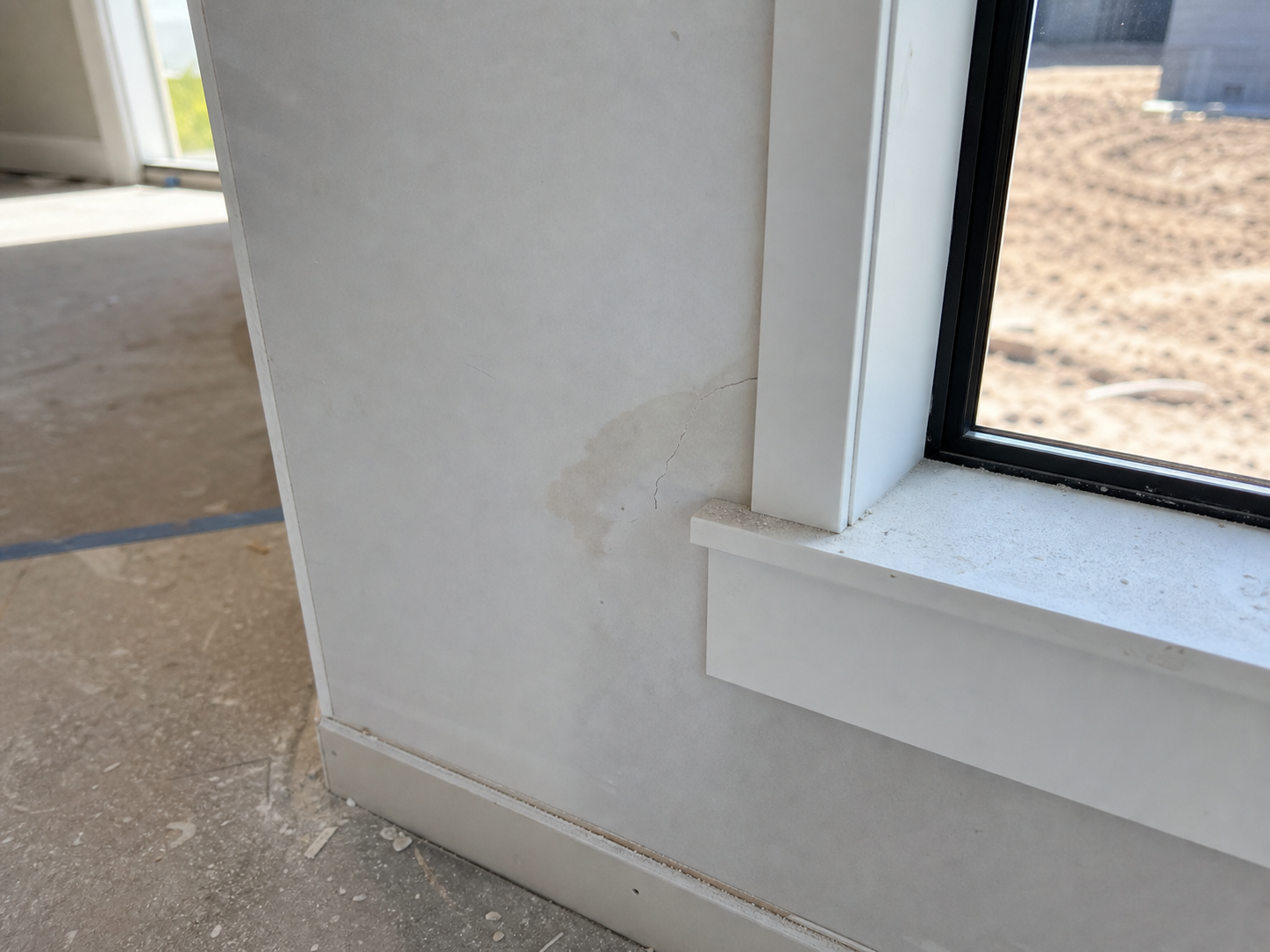
PrivacyThese example views show practical workflows: a superintendent scans a jobsite photo, AI suggests room, trade and priority, the ticket goes to the right subcontractor and the homeowner only sees approved updates.


30 minutes. Feasibility and risks named honestly. Free.
Scope, architecture and timeline — a single binding document.
Visible progress every week. No black box.
Monitoring, updates and new features after launch.
A fair, honest comparison. Buildertrend, Procore, CoConstruct, Buildxact, Houzz Pro and similar platforms are strong off-the-shelf products. They launch quickly, include many construction templates and often fit standardised workflows. A custom-built platform from Bley IT does not try to win on fastest rollout; it wins where SaaS has built-in limits: exact workflow fit, data and source-code ownership, no per-seat economics and the freedom to connect preconstruction, field work, finance, service and AI around your business model.
| Custom-built by Bley IT | Buildertrend / Procore / CoConstruct / Buildxact / Houzz Pro | Generic PM tool (Asana / Monday) | |
|---|---|---|---|
| Time to launch (first usable version) | |||
| Low up-front investment | |||
| Mature out-of-the-box feature set on day one | |||
| Industry templates and a builder community | |||
| Shaped around YOUR exact phases, trades and contracts | |||
| Workflow extensions without waiting for a vendor roadmap | |||
| You own the data AND the source code | |||
| No per-seat fees, no annual re-licensing | |||
| Predictable total cost at 30+ users | |||
| Host in the EU, a preferred cloud region or on-premise | |||
| Client portal under your own domain & brand | |||
| Punch list, daily logs and takeoff out of the box | |||
| Native integration with YOUR accounting / ERP | |||
| No multi-year subscription lock-in |
Custom-built software is shaped around your actual workflow, your phases, your client experience and your accounting flow — not a one-size-fits-all template. You own the data and the source code, you pay no per-seat fees, and you can host wherever your business needs to. Off-the-shelf SaaS gets you started faster; if your build process is highly standard, it can be the right choice.
A custom build typically pays off from around 10–15 active users, or sooner when a core workflow (turnkey home building, custom homes, specific draw-billing rules) does not fit the SaaS template. If you have a small team and a fully standard workflow, an off-the-shelf subscription is honestly faster and cheaper.
Yes. Existing schedules, assemblies, scopes of work and master data are imported. Your crews keep the structure they already know — they do not have to re-learn how to work.
Entries are stored offline and sync as soon as the jobsite is back online. Punch items, daily logs, photo documentation and time entries work the same way before drywall as they do after closeout.
Wherever your business and your clients need it to: in the EU, in a preferred cloud region or on your own infrastructure. The data never leaves your business unless it has to.
A first usable version is typically live in 6–10 weeks; the platform then grows iteratively. There is no annual re-licensing and no multi-year subscription lock-in.
The platform integrates with whatever you already use — QuickBooks, Xero, Sage, MYOB or any ERP. Integration is built where it actually matters, not limited to a fixed list of providers.